
Introduction
Note: A diff path file is provided at the end of this article. But please read intro above it before downloading or applying the patch file.
CryEngine 5 uses QT as the UI framework. It’s good considering how powerful QT is. However there are some problems at the moment due to current status of the engine and SDKs.
- QT 5.12 is used by CryEngine 5.7.1, QT 5.12 has some dpi scaling issues itself. We shall leave these problems aside and wait for Crytek to fix with newer QT.
- It rounds very limited, which means we can not have a scale between 1 and 2
- The UI displays 100% if monitor dpi is set less than 150%
- Then the UI dsiplays 200% if monitor dpis is set to 150% and above, an so on…
- It uses physical dpi rather than logical dpi, this is a confirmed bug/issue, see this discussion and this issue for more information if you are interested. This bug fixed in later versions but unfortunatelly CryEngine is using QT 5.12
- It rounds very limited, which means we can not have a scale between 1 and 2
- Some editors in CryEngine still uses old MFC framework and not scaled correctly if the engine runs with DPI option ‘Applicaiton’ rather than ‘System’ or ‘System(Enhanced)’ (System DPI scaling will lead to editor font blury). This is what we can fix in limited time and resources.
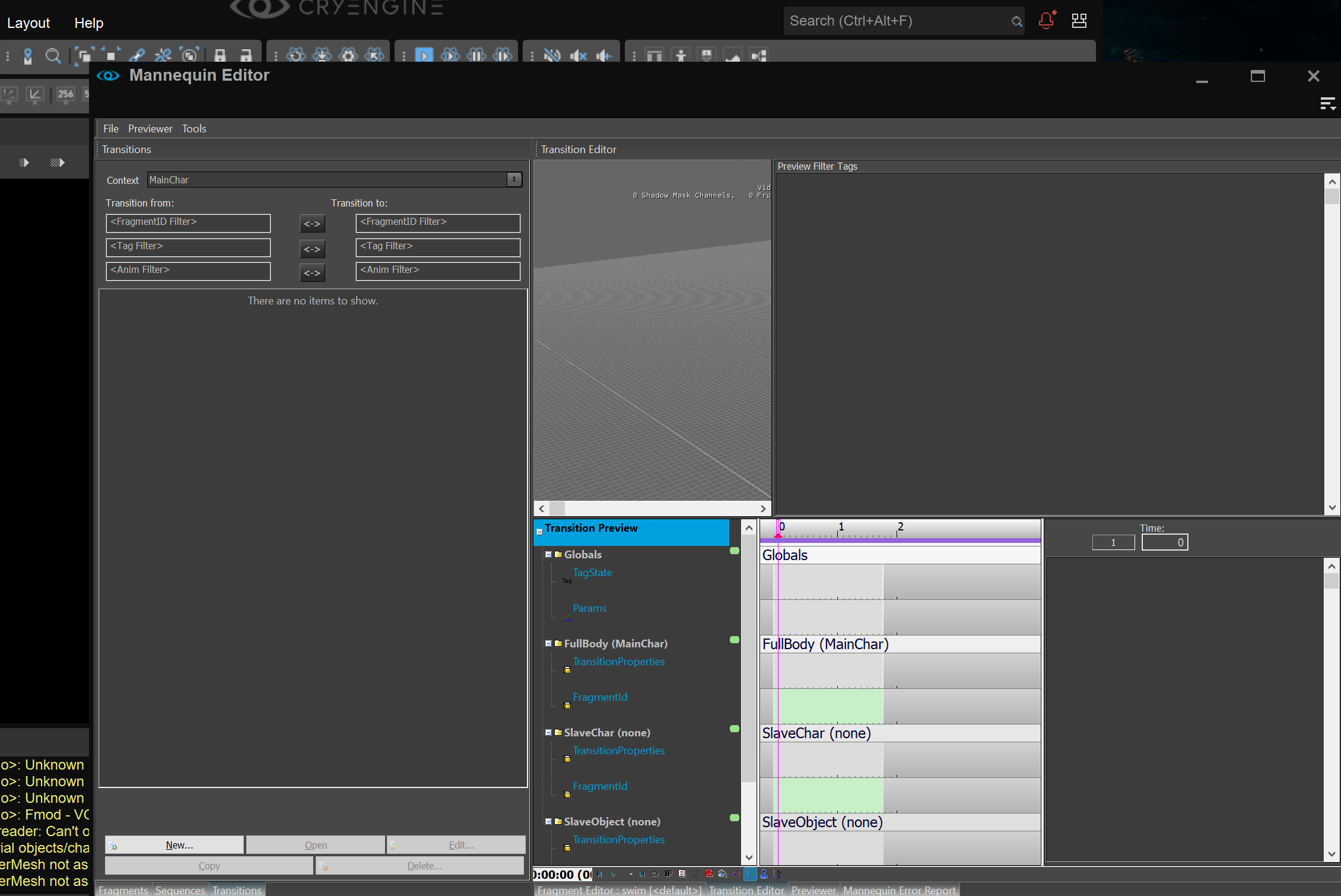
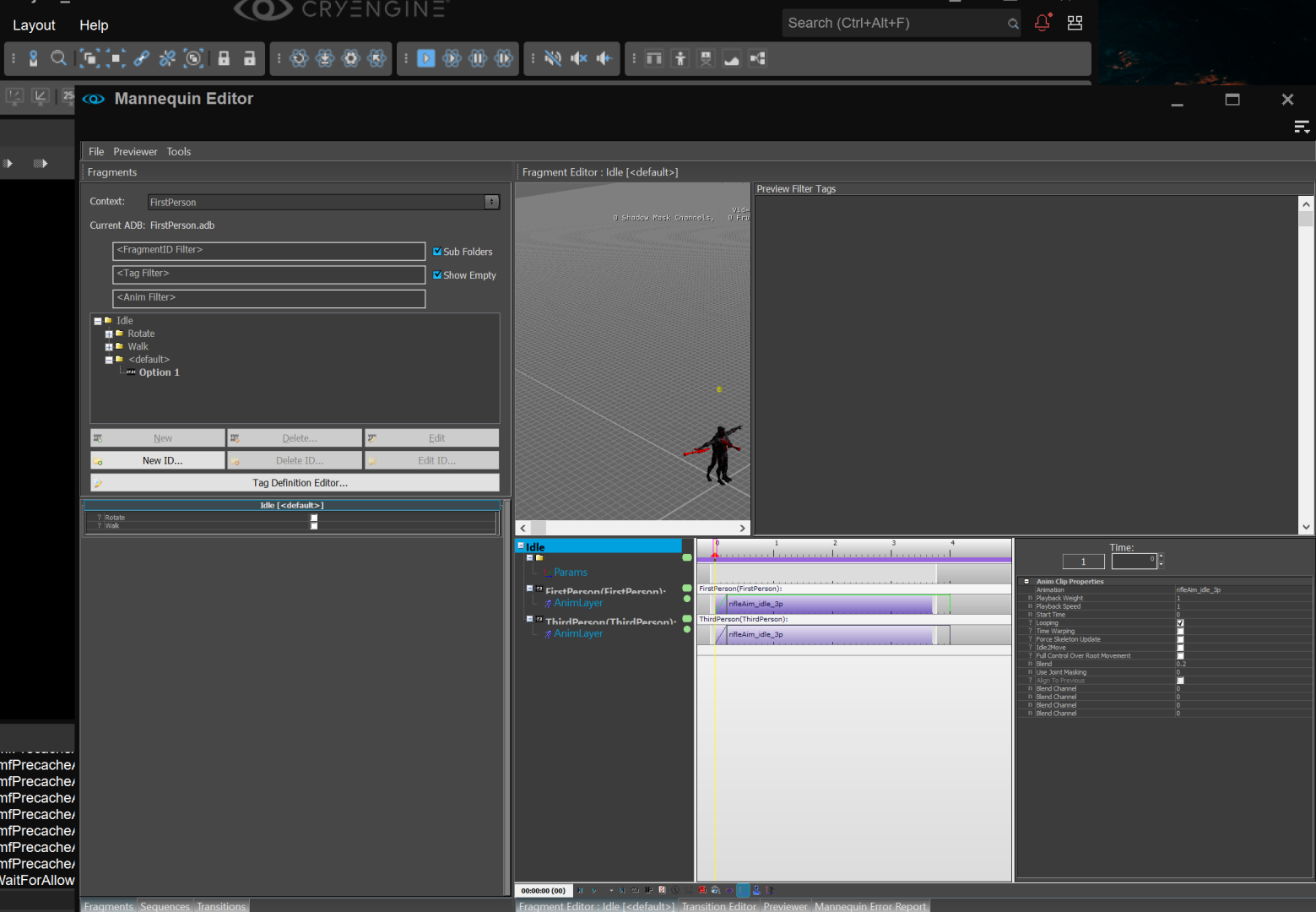
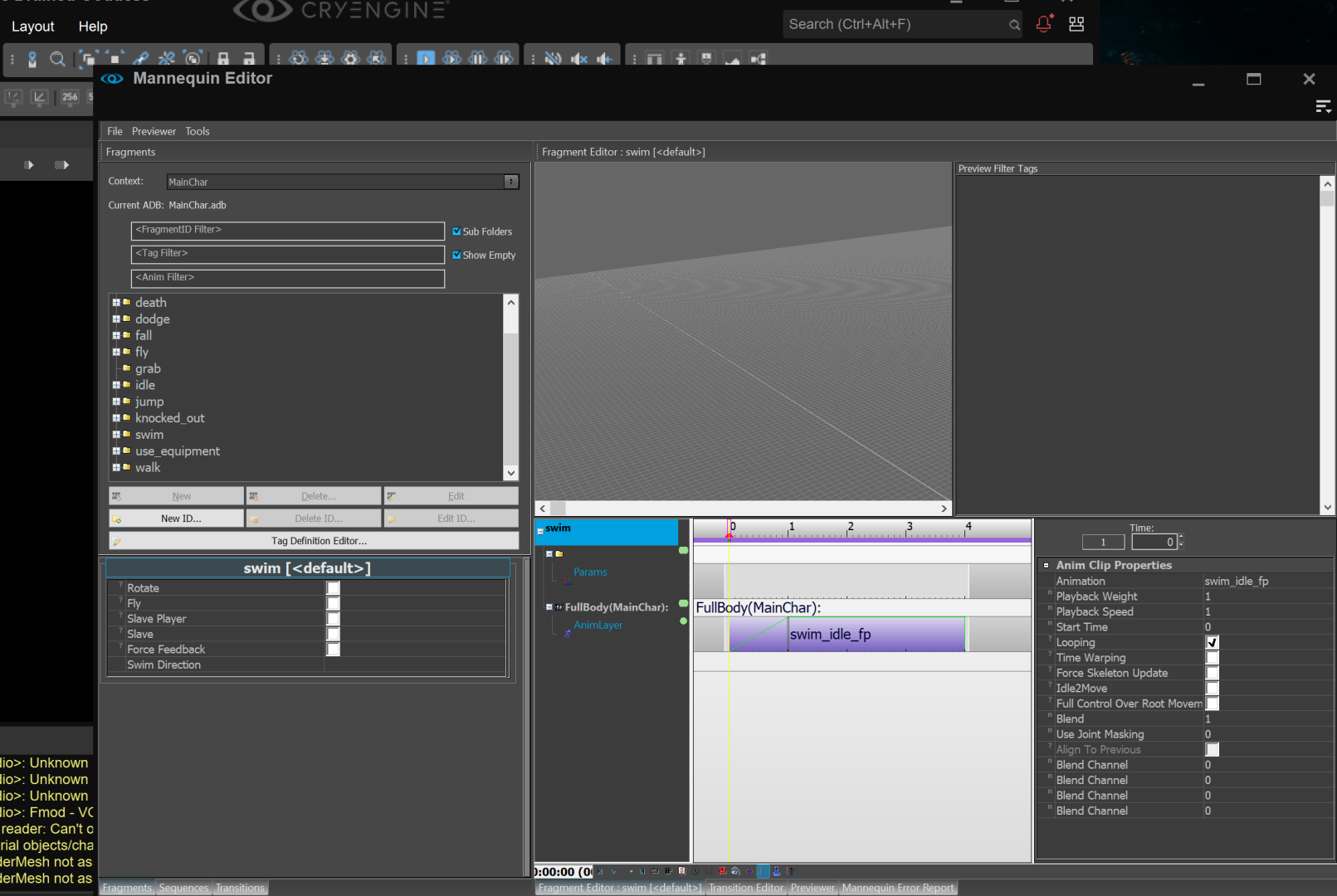
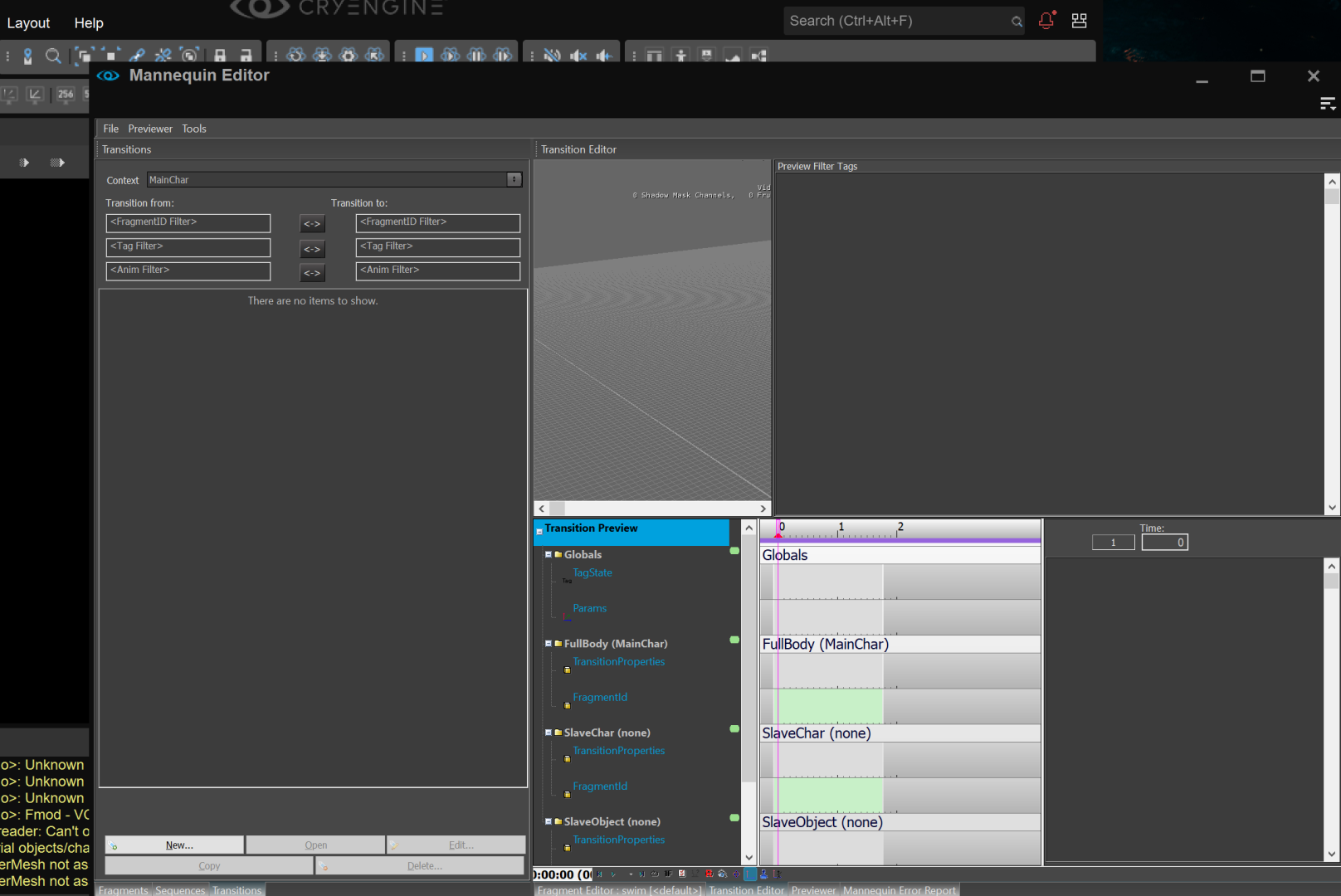
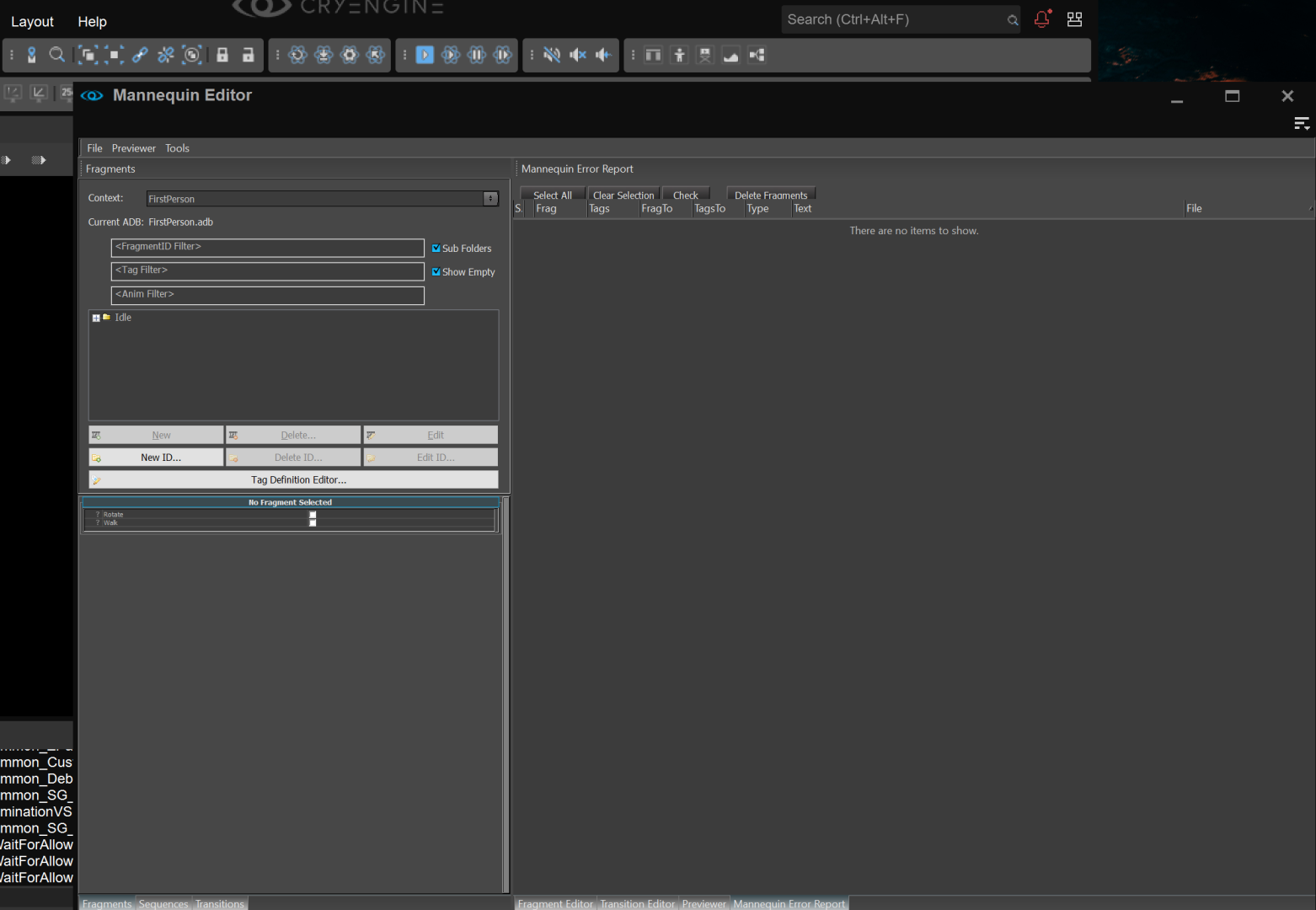
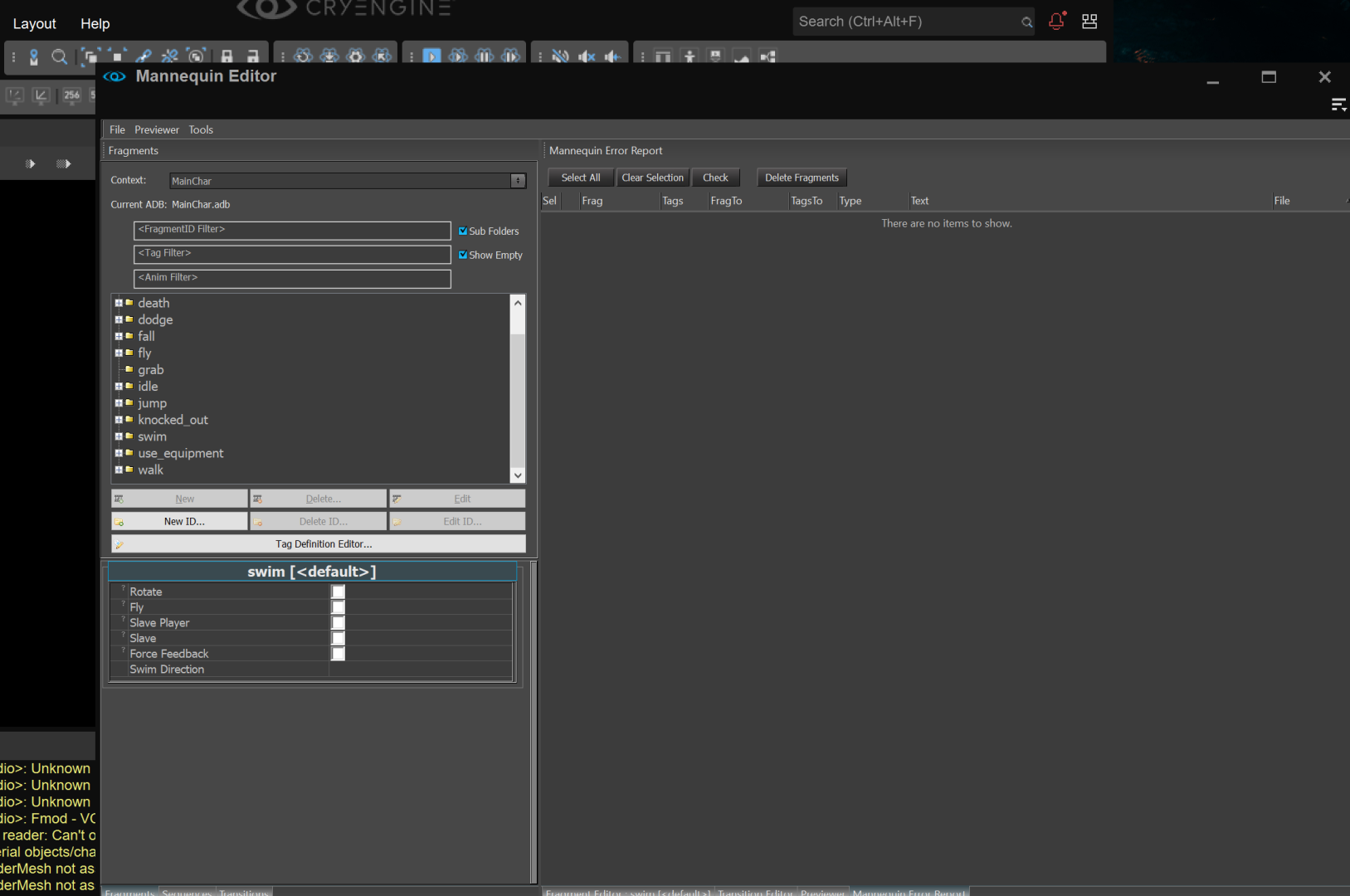
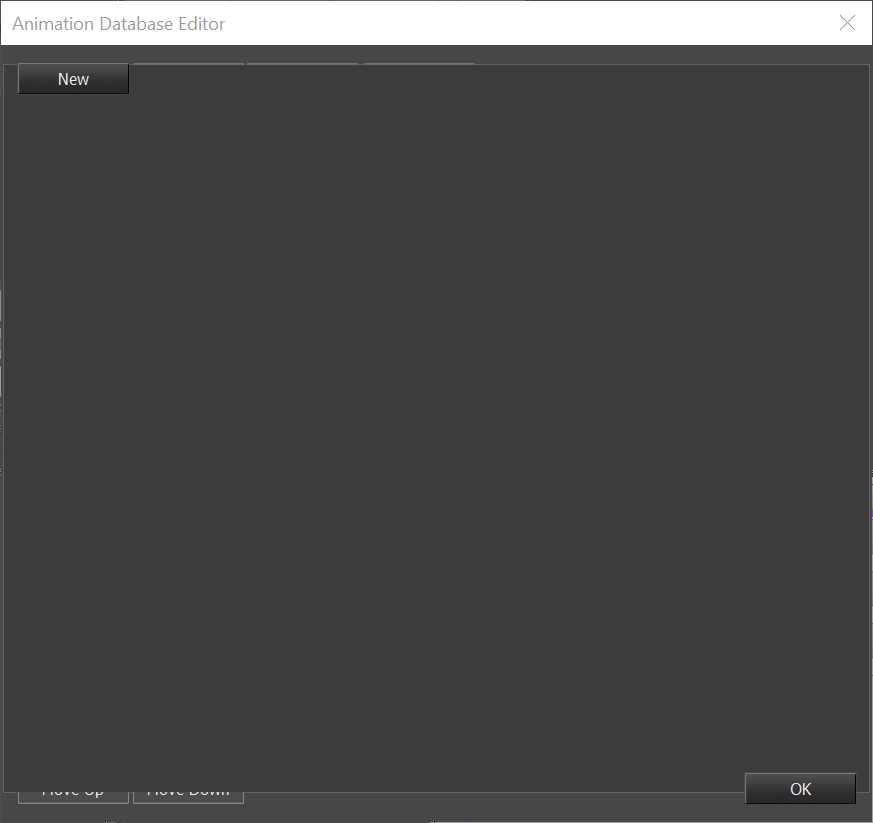
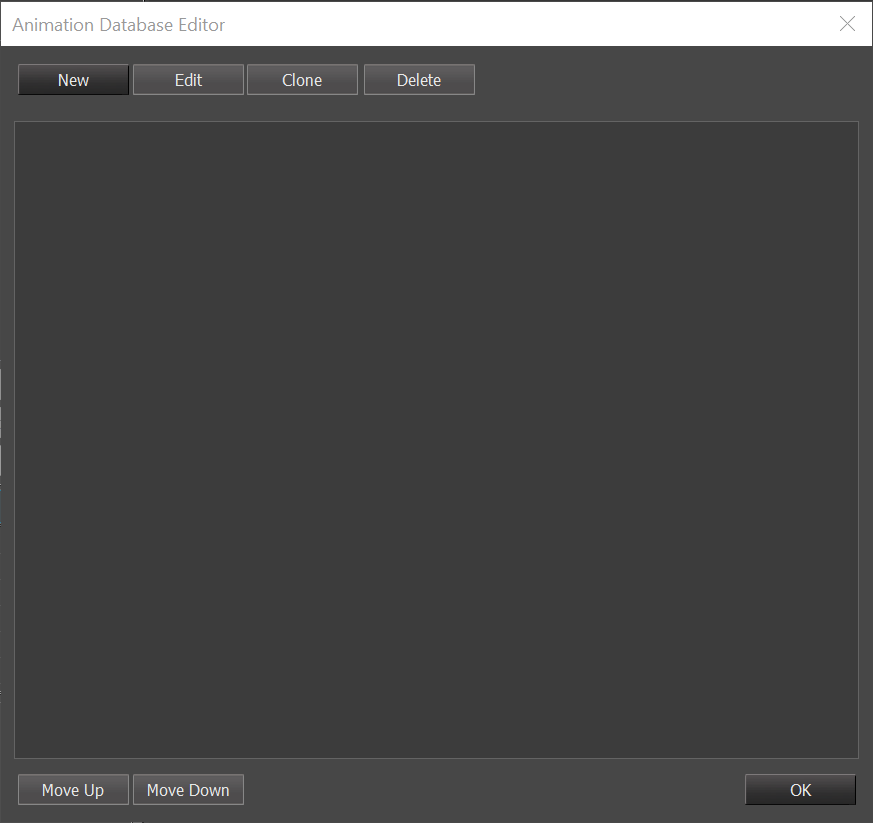
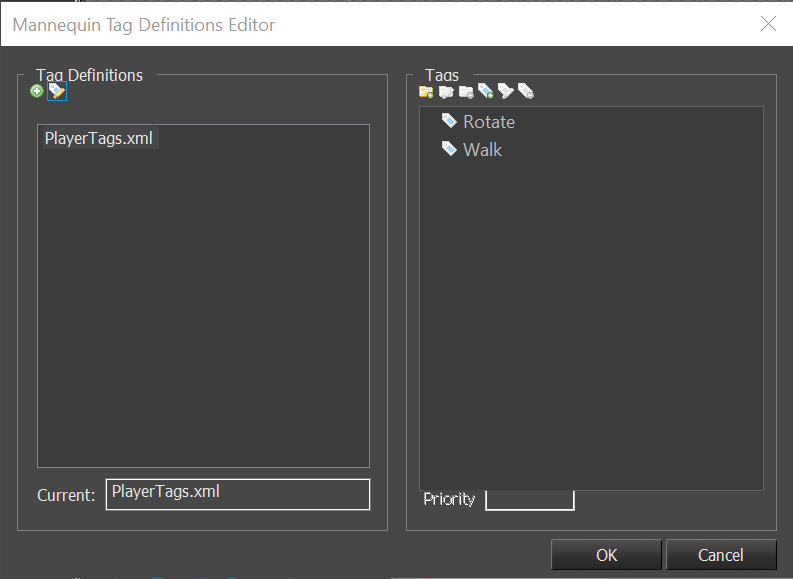
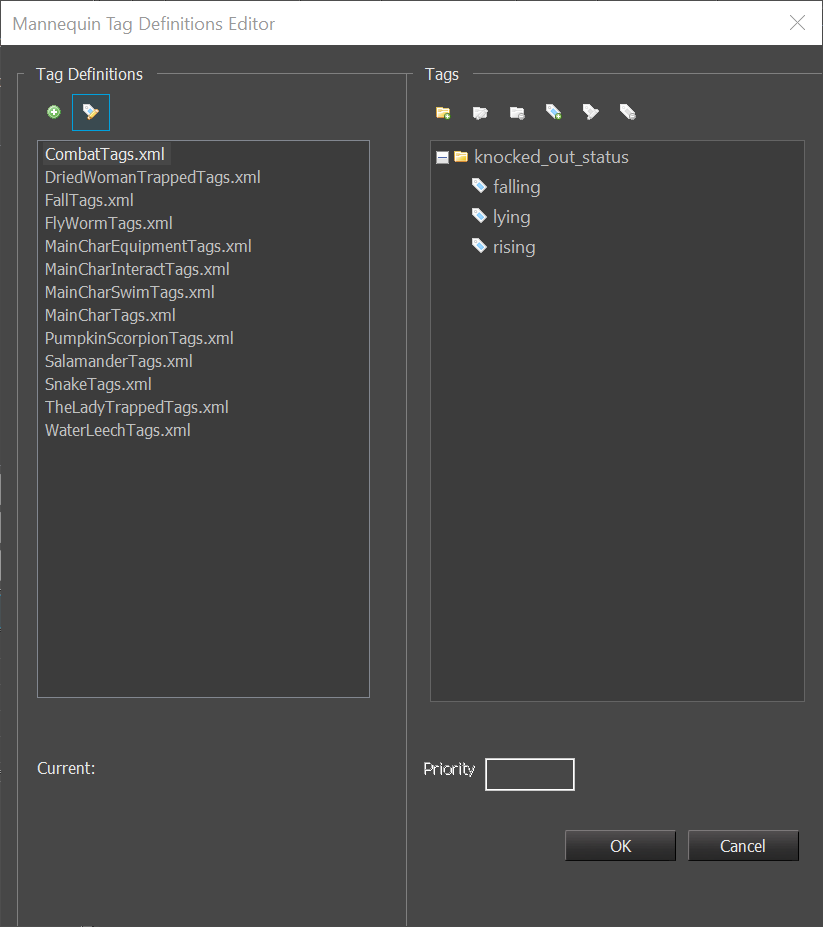
Mannequin Fix Result Comparison
Considering the MFC UI has a long history, it’s really hard to fix all problems and make it perfect. Some size and layout configs are dynamic in code, while some are static within resource file (*.rc). And some icons can not be scaled up easily due to how they are implemented (but I fixed buttons so it’s only a visual thing now).
So I only fixed issues in Mannequin editor that affects our work effeciency. The following results are shortcut with params:
- With default DPI mode (Application)
- 4K (3840 * 2560 px), 27′ monitor
- 150% system scale

Material Editor Legacy
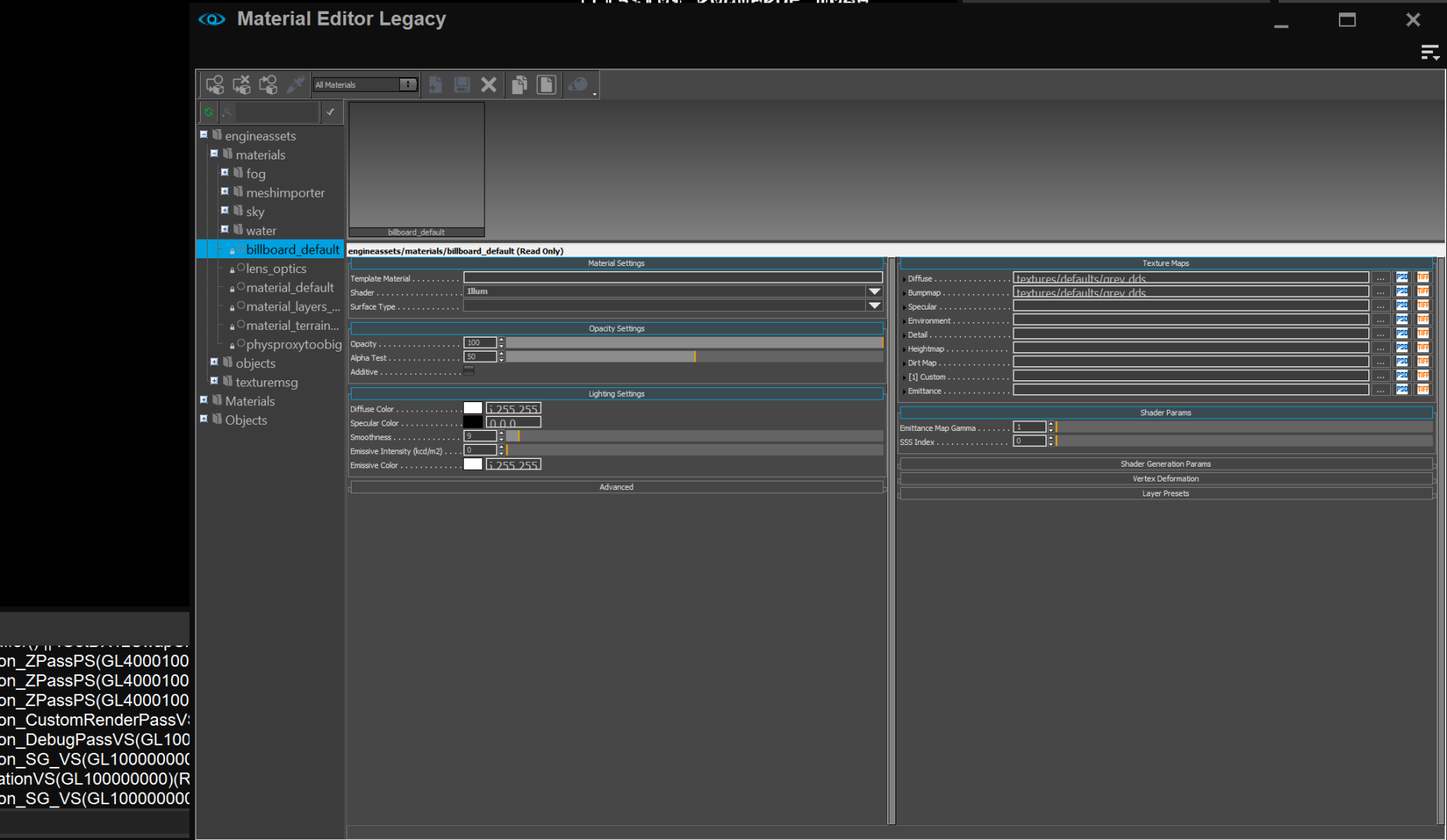
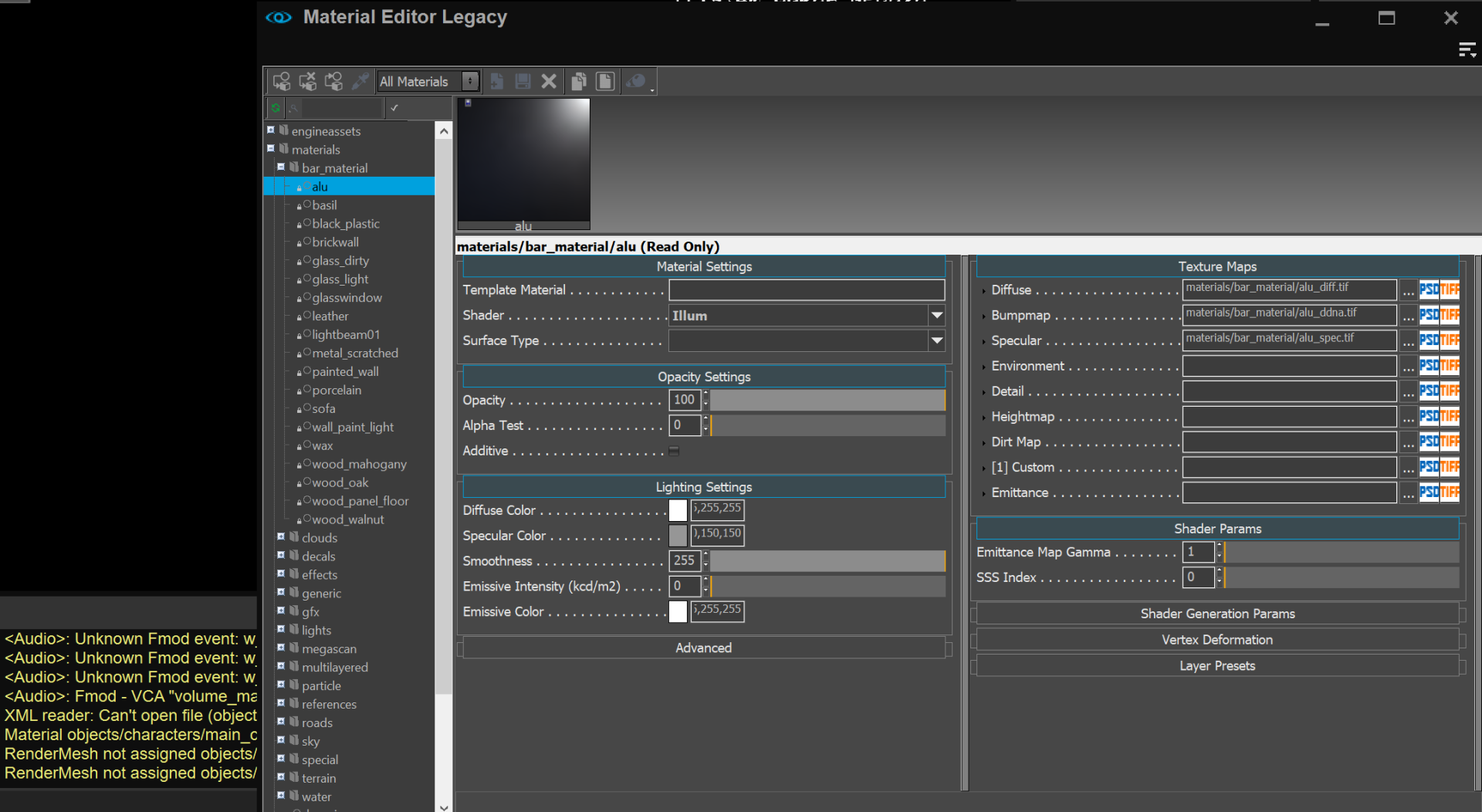
Considering that fix mannequin reqires some fixes to basic MFC controls shared through many MFC editors. Other MFC editors are improved too. But they are not fully fixed because they may use their own controls, static settings or call size and layout settigns during their own logic. And they may use static layout config in rc files too.
Let’s take legacy Material Editor for example and see how it’s improved:
Patch Files
I can’t provide dlls for you to replace original official dlls directly, because source code changes leads to several dlls change and the ABI may not be compatible (lead to crash and errors). So I generate a diff file contaning code changes from my perforce changelist. I am not sure if this can be applied directly to git repo or other version control solutions. So be prepared before trying to apply this patch.
That’s it. Hope it helps. Feel free to discus with me at CRYENGINE community channel on discord.
Zach.W
Related Posts
